
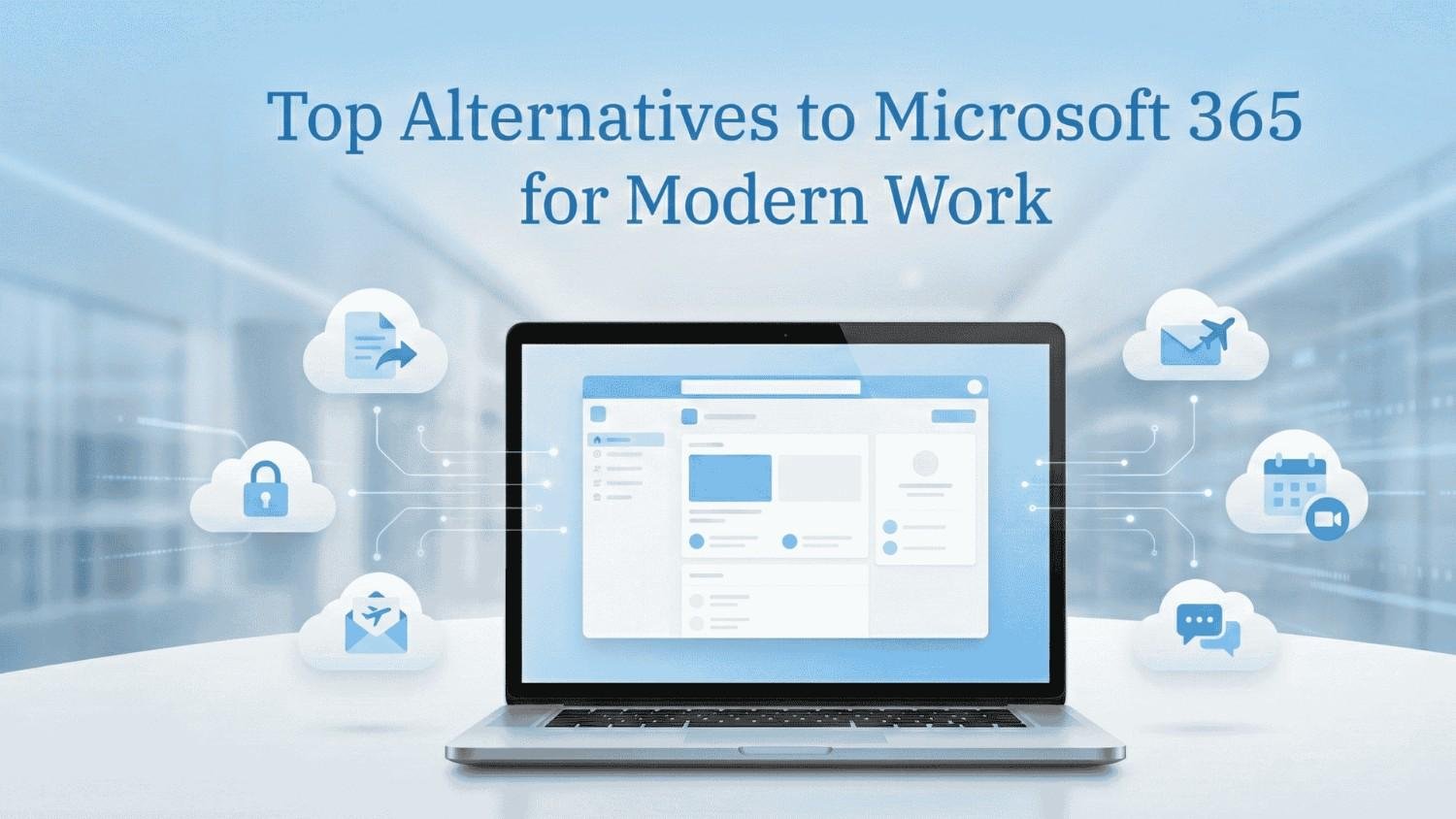
Top Alternatives to Microsoft 365 for Modern Work
When leaders and IT teams ask me about alternatives to Microsoft 365, the conversation usually starts with flexibility. Modern work is no longer limited to one toolset or one fixed way of collaborating. Different teams work differently, and the tools they use should support that reality.
From my experience, many organizations start exploring alternatives when they reassess how their digital workplace supports productivity, collaboration, and long term scalability, especially as expectations around modern workplace environments continue to evolve. What matters most is not replacing Microsoft 365 feature by feature, but choosing solutions that align with how people actually work every day.
1. Google Workspace
Google Workspace is often the first platform considered when businesses explore alternatives to Microsoft 365. It is especially effective for teams that value real time collaboration. Multiple users can work on the same document simultaneously without dealing with version conflicts.

The familiar experience of Gmail, Google Drive, and Google Meet makes adoption relatively easy. In my experience, distributed and hybrid teams adapt to this platform quickly. It is commonly evaluated side by side with Microsoft tools, particularly in discussions around Google Workspace vs Microsoft 365.
2. Zoho Workplace
Zoho Workplace is a strong option for organizations looking for an integrated yet cost conscious productivity suite. It brings together email, documents, team chat, and online meetings in one ecosystem.
I often see growing businesses choose Zoho because it supports everyday operations without adding unnecessary complexity. It works well for teams that want core collaboration tools without the overhead that often comes with large enterprise platforms.
3. ONLYOFFICE
ONLYOFFICE is well suited for organizations that want familiar document editing while maintaining greater control over deployment and data.
It supports both cloud and self hosted environments, making it attractive for companies with specific compliance or data governance needs. In my experience, it is often considered by teams transitioning away from traditional office tools but still wanting a familiar user experience.
4. LibreOffice with Collaboration Platforms
LibreOffice combined with collaboration platforms like Nextcloud offers a powerful open source alternative. This setup is ideal for organizations that want full ownership of their data and systems.
While it requires stronger internal IT involvement, it offers flexibility and long term cost advantages. I have seen this approach work particularly well in education, research, and public sector environments where data control and cloud security are key considerations.
5. Apple iWork
Apple iWork is a natural choice for teams already embedded in the Apple ecosystem. Pages, Numbers, and Keynote provide a clean and intuitive experience across macOS and iOS devices.
Although collaboration capabilities are more limited compared to other platforms, iWork works well for creative teams and leadership users who prioritize simplicity, design, and ease of use.
6. Proton Business Suite
Proton Business Suite focuses on privacy and security. It includes encrypted email, calendar, and file storage designed for organizations that handle sensitive information.
From my experience, this option is often explored by security focused teams, legal firms, and research organizations. It becomes especially relevant when protecting communication channels and strengthening email security are top priorities.
7. Nextcloud Hub
Nextcloud Hub goes beyond file storage by offering document collaboration, messaging, and video conferencing. It can be deployed on premises or in a private cloud, giving organizations full control over their data.
This platform is often chosen by businesses that want flexibility without vendor lock in, particularly those aligning collaboration tools with Zero Trust security principles.
8. WPS Office
WPS Office is a lightweight productivity suite that supports documents, spreadsheets, and presentations with strong compatibility.
It is commonly used by teams looking for a simple and efficient alternative without heavy infrastructure requirements. In many cases, it complements environments where secure endpoint usage is already in place.
9. ClickUp Docs and Collaboration Tools
ClickUp is widely known for project management, but its document and collaboration features make it a practical alternative for specific teams.
In fast paced environments where task management and documentation go hand in hand, I have seen ClickUp effectively replace traditional office tools, especially for agile and operations driven teams.
10. Notion
Notion has become a central workspace for many modern teams. It combines documents, databases, and collaboration into a single platform.
Teams focused on internal knowledge sharing often prefer Notion over traditional word processing tools, particularly when they want flexibility rather than rigid document structures.
11. Confluence with Productivity Add Ons
Confluence is widely used for documentation and knowledge management, especially within technical and product teams. With the right add ons, it becomes a strong collaboration platform.
From my experience, organizations that value structured documentation and long term knowledge retention often find Confluence more effective than traditional document tools.
Security and Governance Considerations
When evaluating alternatives to Microsoft 365, security and governance should be part of the decision from the start. Each platform offers different levels of visibility, control, and protection. I always recommend aligning productivity tools with existing security policies, compliance requirements, and regular security assessment and control.
Final Thoughts
There is no single best answer when choosing among Microsoft 365 alternatives. The right platform depends on how teams collaborate, how data is protected, and how much flexibility the organization needs.
By focusing on real world workflows rather than tool comparisons alone, businesses can build a modern digital workplace that supports productivity, security, and long term growth without unnecessary complexity.
